5 Epic Hyperspace Training Videos for Faster Charting (2026)

Charting in Epic Hyperspace doesn't have to eat up half your shift. The right epic hyperspace training videos can shave hours off your learning curve, whether you're onboarding at a new health system, switching departments, or just trying to stop clicking through six tabs to do what should take two.
The problem? Most training materials are either buried in your organization's intranet, outdated by a version or two, or so dry they put you to sleep before you finish the first module. Good video walkthroughs are hard to find, and the quality gap between official resources and random YouTube uploads is wide.
We put this list together because we work closely with Epic EHR workflows every day. At VectorCare, we build SMART on FHIR applications that plug directly into Epic Hyperspace, so we know exactly what clinicians see on their screens and where the friction points live. That perspective helped us pick five training videos that actually move the needle on charting speed and navigation confidence, not just check a compliance box.
Below, you'll find each video broken down by what it covers, who it's best for, and how long it takes to get through.
1. Epic Here's How Videos in Hyperspace
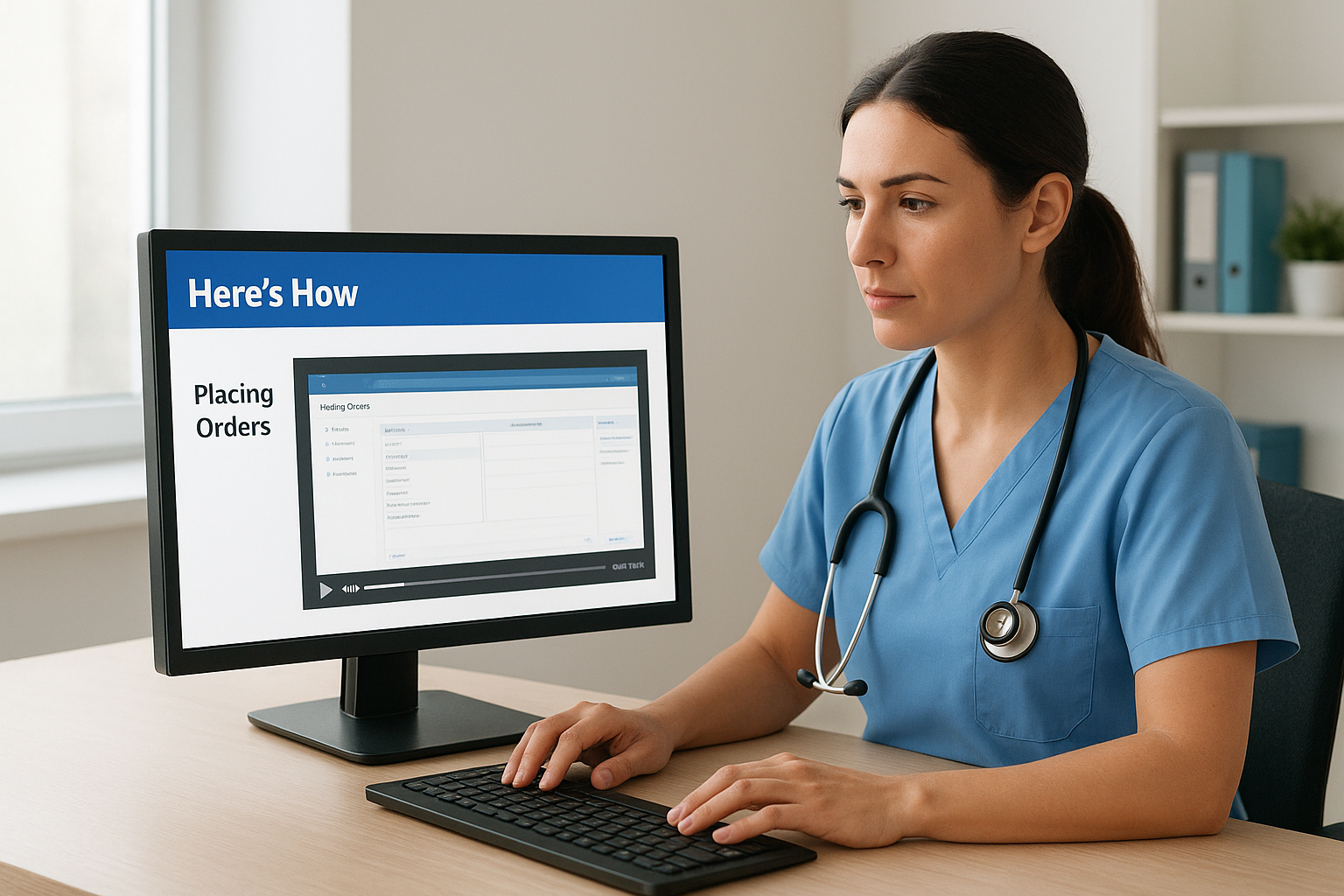
Epic built "Here's How" training clips directly into the Hyperspace interface, so you never need to leave the EHR to find them. These short, task-focused videos cover specific workflows in isolation, which means you can watch a clip on placing orders, then practice that exact step on the same screen without switching windows.
What You Will Learn
The Here's How library targets core clinical documentation tasks in segments that typically run under five minutes each. You'll find walkthroughs covering progress notes, in-basket management, medication orders, and chart review.
These videos match the version of Epic your organization actually runs, which makes them more accurate than most external epic hyperspace training videos you'll find on generic platforms.
The clips are organized by role and task, so a nurse navigating the MAR and a physician documenting a visit can each find content specific to their workflow without digging through irrelevant material.
How to Watch and Follow Along
Open Hyperspace and click the Help menu in the top navigation bar. Search for "Here's How" or type a specific task into the help panel search field. The video plays inside the browser panel, so you can pause, rewatch, and immediately test the workflow without losing your place in the EHR.
Who Should Start Here
This resource works best for new hires and clinicians transitioning between departments at the same health system. If you already have active Epic credentials and need to close a specific knowledge gap fast, start here before looking anywhere else.
Cost and Access Notes
The Here's How videos are included with Epic's license at no additional cost to you. Your organization's IT or training team controls which videos are enabled, so reach out to them if a specific topic is missing from your help panel.
2. Epic Training Videos YouTube Playlist
The Epic Training Videos playlist on YouTube collects task-specific clips covering common Hyperspace workflows without requiring an organizational login or intranet access. It fills a real gap when you need a quick reference outside of work hours or before you have active Epic credentials at your organization.
What You Will Learn
This playlist covers foundational navigation skills and chart review basics that apply across most Epic deployments. You'll find clips on moving between patient charts, pulling up results, and understanding the Hyperspace workspace layout before you log in on day one.
Watching these clips before your first shift gives you a mental map of the interface, which makes formal onboarding training land faster.
How to Watch and Follow Along
Search "Epic Training Videos" directly on YouTube to pull up the playlist. Watch each clip once through, then replay it while practicing on a sandbox or training environment if your organization provides one.
Who Should Start Here
Pre-hire candidates and students rotating into clinical settings get the most value here. These epic hyperspace training videos also help anyone refreshing their skills between Epic version upgrades.
Cost and Access Notes
The playlist is completely free and requires no Epic credentials to access.
3. WUSTL Epic Training Video Vlogs
Washington University in St. Louis published a series of Epic training video vlogs that cover real-world clinical workflows in a conversational format. These clips feel less like corporate training modules and more like a colleague walking you through their actual screen, which makes the content easier to absorb than most formal epic hyperspace training videos you'll find elsewhere.

What You Will Learn
The WUSTL vlogs focus on chart navigation, documentation shortcuts, and order management within Epic Hyperspace. Each video targets a specific task rather than trying to cover the entire system at once, so you can watch only what's relevant to your current role.
These walkthroughs show how clinicians actually use Epic day to day, not just how the software is designed to be used in theory.
How to Watch and Follow Along
Search "WUSTL Epic training" on YouTube to locate the vlog series. Watch the clip relevant to your current task, then immediately practice that workflow in your organization's Epic training environment before going live with real patient data.
Who Should Start Here
These videos suit residents, fellows, and clinical staff who want to see how experienced clinicians navigate Epic rather than follow a scripted tutorial.
Cost and Access Notes
The WUSTL vlogs are free to access on YouTube and require no login or institutional credentials to watch.
4. YouTube Playlist EPIC TRAINING
The EPIC TRAINING playlist on YouTube is a community-assembled collection of short, task-specific clips that covers Hyperspace navigation from multiple contributors and clinical settings. Unlike single-institution vlogs, this playlist pulls in perspectives from different Epic deployments, giving you a broader view of how the system behaves across environments.
What You Will Learn
These epic hyperspace training videos cover scheduling, documentation, and chart navigation workflows that appear consistently across most Epic implementations. The variety of contributors means you'll see different ways to complete the same task, which helps you find the approach that fits your workflow.
Seeing multiple approaches to the same workflow often reveals shortcuts that a single-source training series would never show you.
How to Watch and Follow Along
Search "EPIC TRAINING playlist" on YouTube and filter by playlist to locate the collection. Watch each clip in a dedicated sitting, then test the steps in your organization's training environment before applying them on live charts.
Who Should Start Here
This resource suits self-directed learners who want to supplement formal onboarding with outside perspectives. It works particularly well for clinicians who learn better by watching varied examples rather than following a single scripted curriculum.
Cost and Access Notes
The playlist is completely free and requires no institutional login to watch.
5. Orientation Video: Epic Chart Review Workflow 2025
This video focuses specifically on the chart review workflow inside Epic Hyperspace, walking you through the steps clinicians use to pull up patient history, review results, and document findings efficiently. It stands out among epic hyperspace training videos for its focus on 2025 workflow updates that reflect recent Epic version changes.
What You Will Learn
You'll get a step-by-step walkthrough of the chart review panel, including how to navigate between labs, imaging, notes, and visit history without losing your place. The video also covers filtering results by date and category to surface the most relevant information quickly.
Knowing how to move through a chart efficiently is one of the highest-leverage skills you can build in Epic.
How to Watch and Follow Along
Search "Epic chart review workflow 2025" on YouTube to find the video. Pause after each demonstrated step and replicate the action in your training environment before continuing to the next.
Who Should Start Here
This video suits hospitalists, attendings, and case managers who spend the majority of their Epic time reviewing existing data rather than entering new documentation. It also helps new clinicians build a mental model of how chart data is organized before their first shift.
Cost and Access Notes
The video is free to watch on YouTube and requires no institutional login to access.
Next Steps
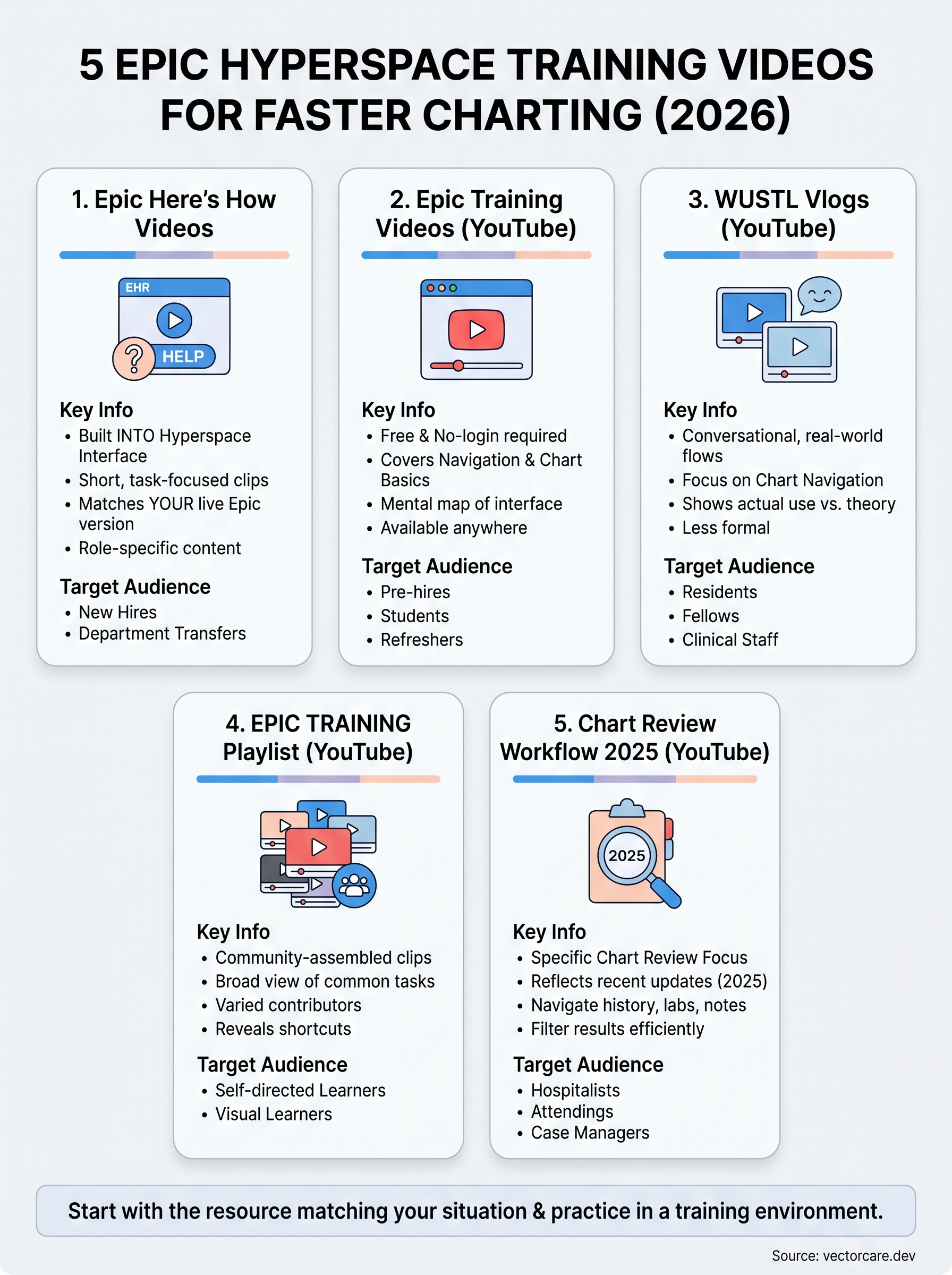
You now have five concrete starting points for building speed and confidence inside Epic Hyperspace. The best move is to pick the resource that matches your current situation, watch the relevant clips, and practice each workflow in a training environment before taking it live. Stacking even two or three of these epic hyperspace training videos into your onboarding routine will cut down the time it takes to feel competent in the system.
For healthcare vendors watching clinicians struggle with Epic workflows every day, the picture looks different. Your product's ability to embed smoothly into clinical workflows determines whether health systems sign contracts with you or pass. VectorCare helps you build and deploy SMART on FHIR applications that live inside Epic Hyperspace without requiring months of engineering work or a $500K budget. If that's the problem you're trying to solve, explore how VectorCare accelerates your EPIC integration.
The Future of Patient Logistics
Exploring the future of all things related to patient logistics, technology and how AI is going to re-shape the way we deliver care.
Thank you! Your submission has been received!
Oops! Something went wrong while submitting the form.